Free on iPhone · Android in closed testing

Plan the week.
Run the workout.

Plan your week, log each set while you train, and keep your food, notes, and progress with the workouts they belong to.

  • FreeNo payment flow
  • PrivateNo ads or data sales
  • OptionalHealth and AI connections
Trainerrr Home screen showing the current workout plan, weekly activity, calories, and training notes
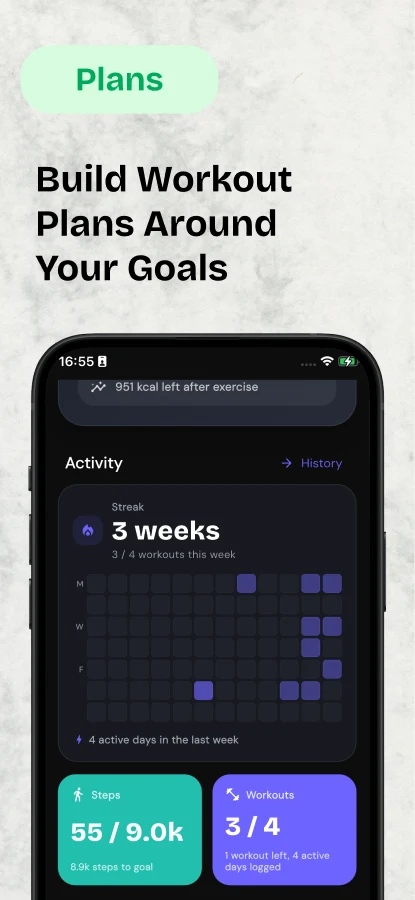
YOUR WEEK AT A GLANCE See completed workouts, rest days, and what comes next.
Example week · one workout left
  1. Mon · CompleteUpper52 min
  2. TueRest8,410 steps
  3. Wed · CompleteLower61 min
  4. Thu · CompletePull55 min
  5. SatRestPlanned
  6. SunCheck-in5 min

Latest iPhone release

Your training, nutrition, and notes in one clear view.

The newest Trainerrr release brings the whole day together: planned training, live set logging, calories, macros, saved meals, workout history, and the notes behind the numbers.

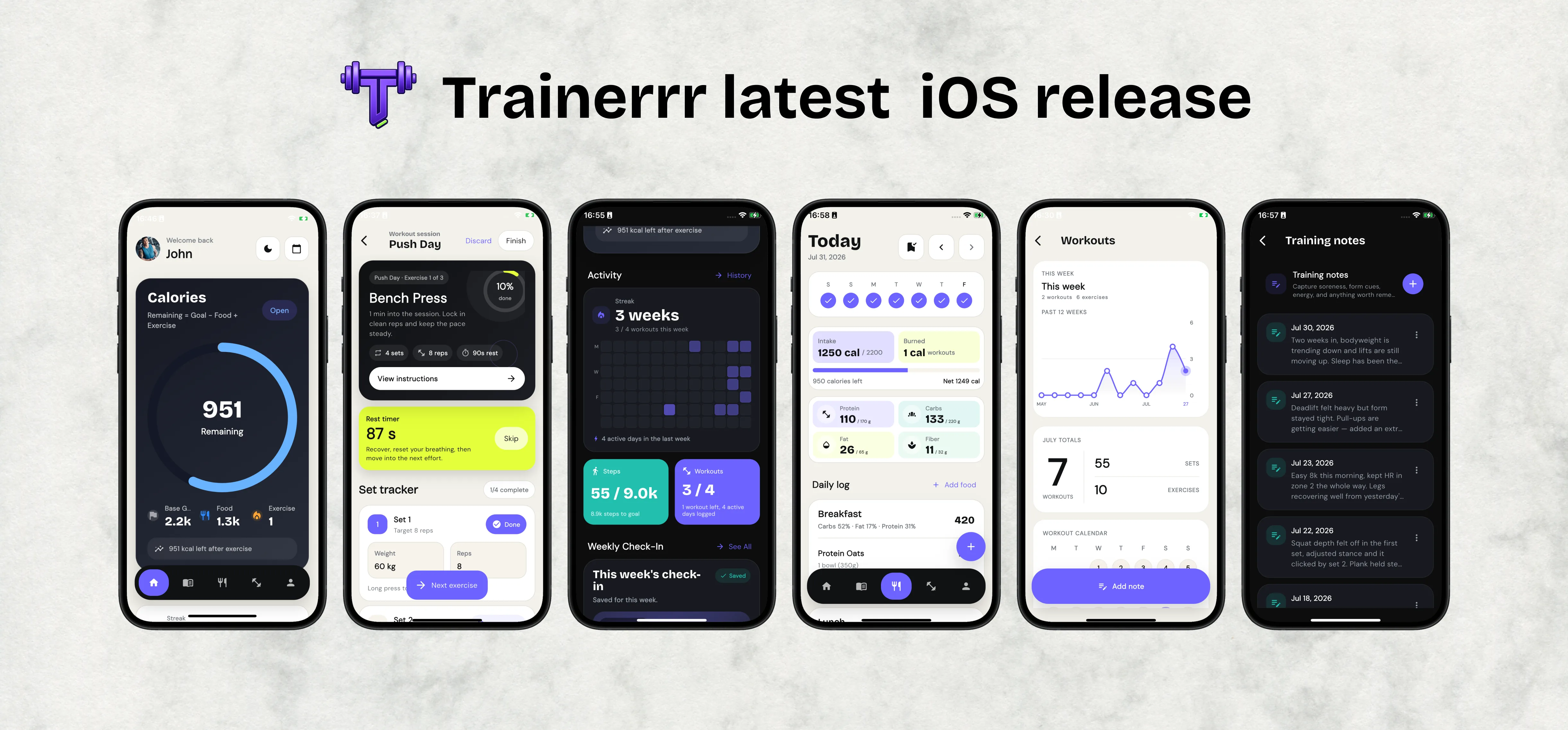
Six Trainerrr screens showing calorie tracking, an active bench press workout, weekly activity, daily nutrition, workout history, and training notes
One app for the plan, the session, the meal, and the review.

OFFICIAL CHATGPT APP

Tell ChatGPT what you ate or lifted.

Connect Trainerrr in ChatGPT, then use natural language to build plans, log meals and workouts, or review your own fitness data. Other compatible assistants can connect through MCP.

DAILY NUTRITION

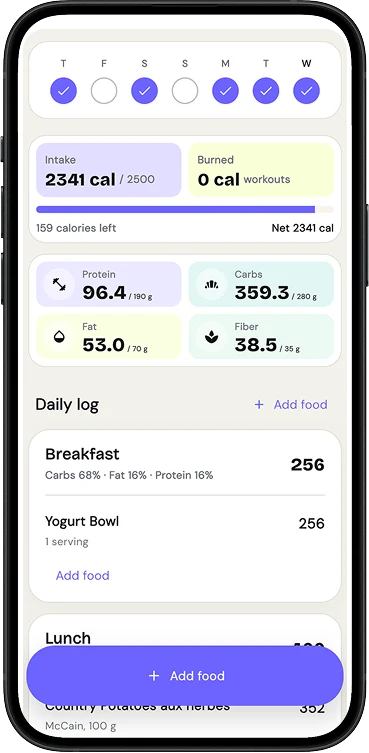
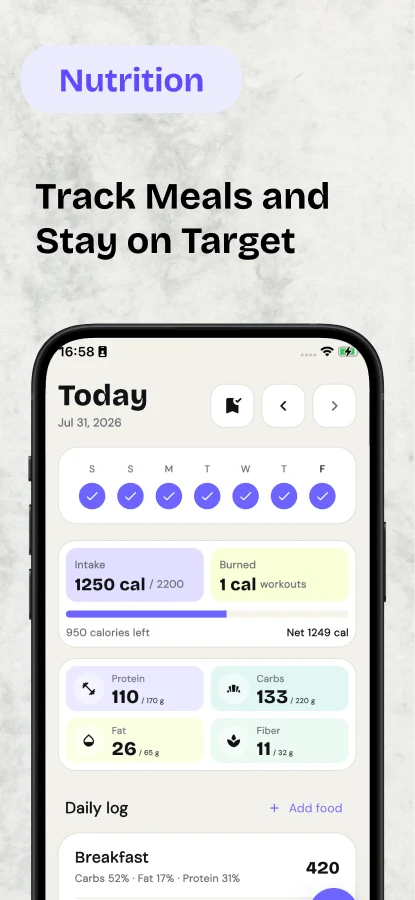
See calories and macros at a glance.

Compare intake with your target and workout burn, then check protein, carbs, fat, and fiber without assembling the totals yourself.

Trainerrr nutrition dashboard showing calories consumed, calories remaining, and protein, carbohydrate, fat, and fiber totals

SAVED MEALS

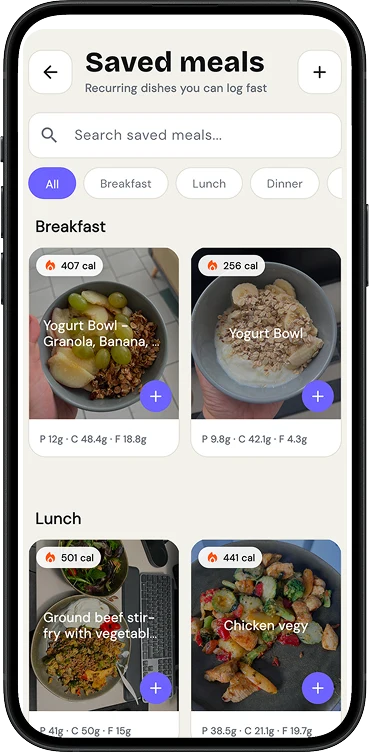
Log recurring meals in one tap.

Save a meal with its photo and macros, organize it by breakfast, lunch, or dinner, and find it again with search.

Saved meals in Trainerrr, grouped into breakfast and lunch with photos, calories, and macro totals

YOUR REMINDERS

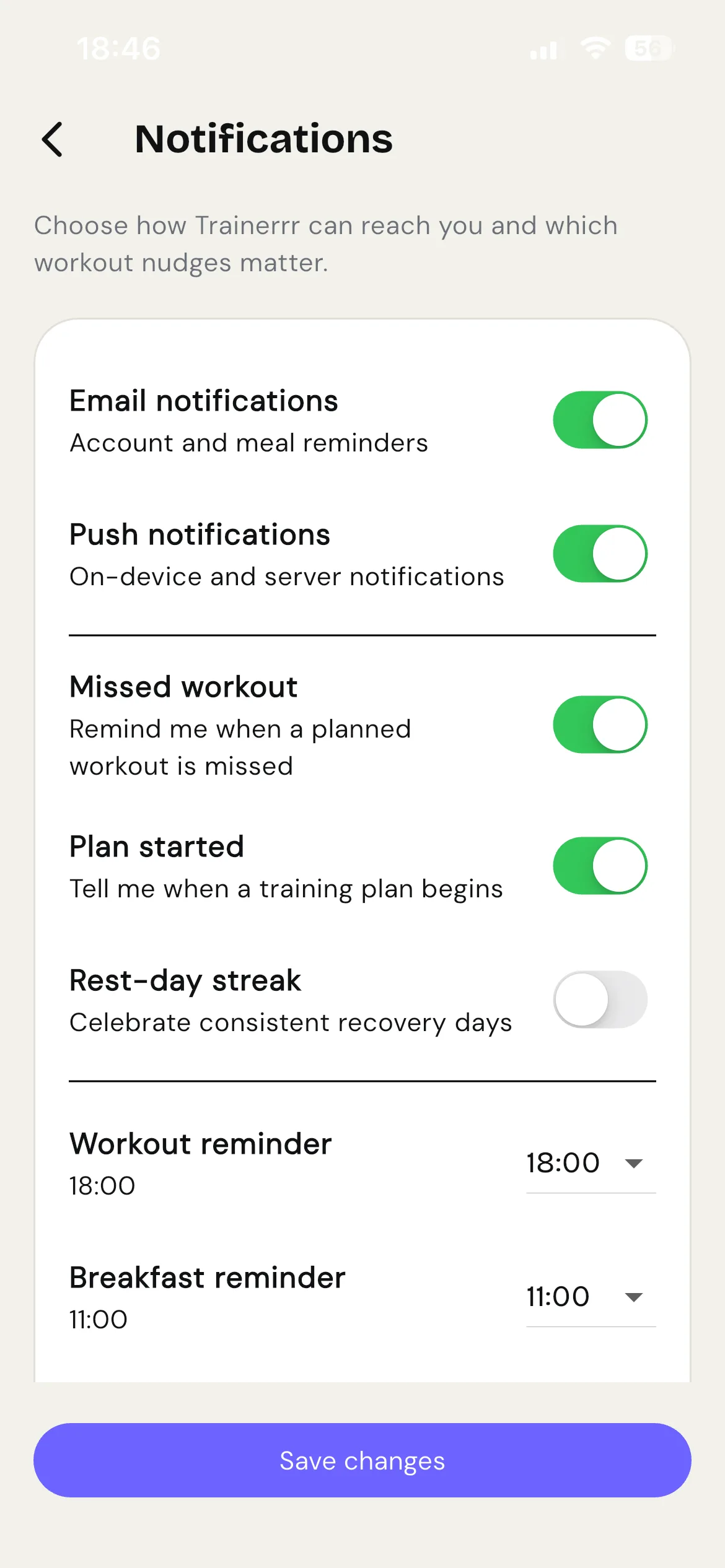
Choose which nudges are useful.

Set times for workout and meal reminders. Toggle missed workouts, plan starts, and recovery streaks separately—or turn notifications off entirely.

Trainerrr notification settings with individual controls for workout and meal reminders
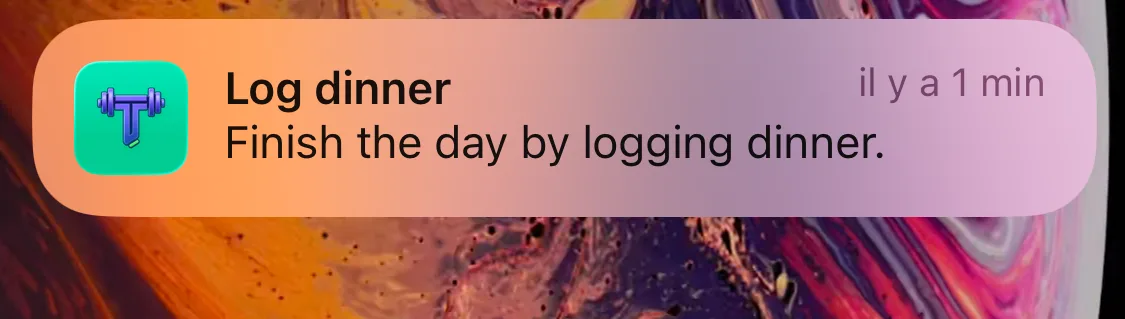
Trainerrr notification reminding the user to log dinner

HOME SCREEN WIDGETS

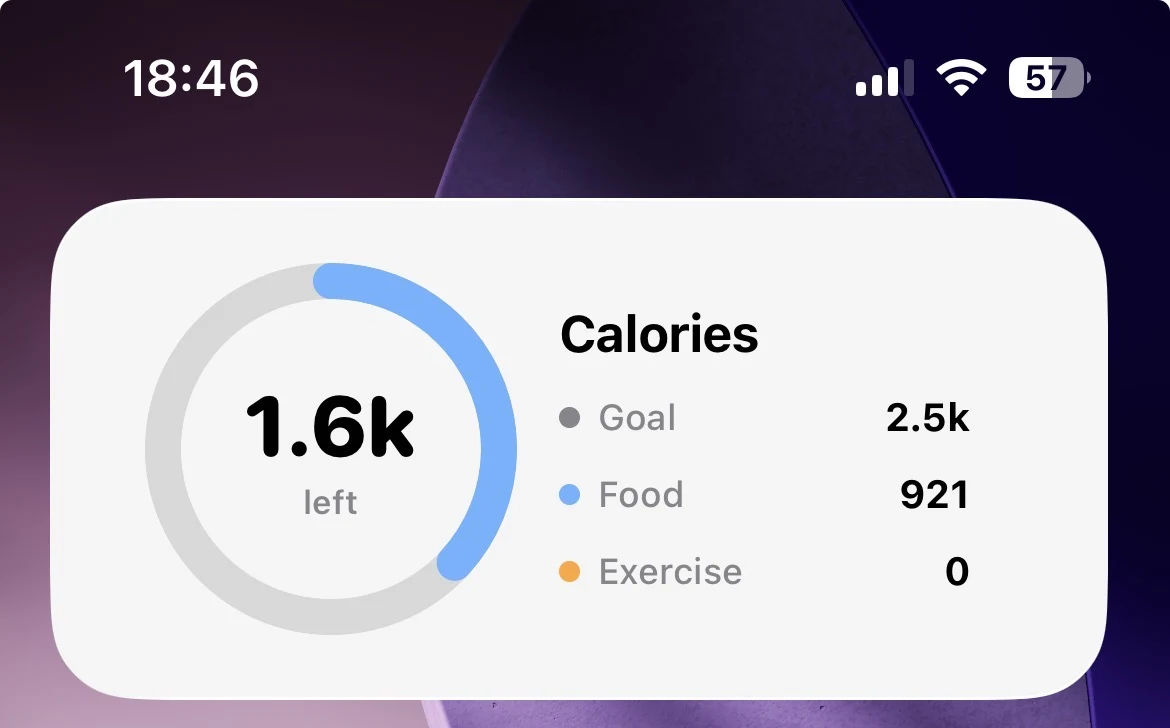
Check calories without opening the app.

Keep calories, steps, or your next session visible on your iPhone home screen.

Trainerrr iPhone home screen widget showing calorie goal, food, exercise, and calories remaining

PRIVACY CONTROLS

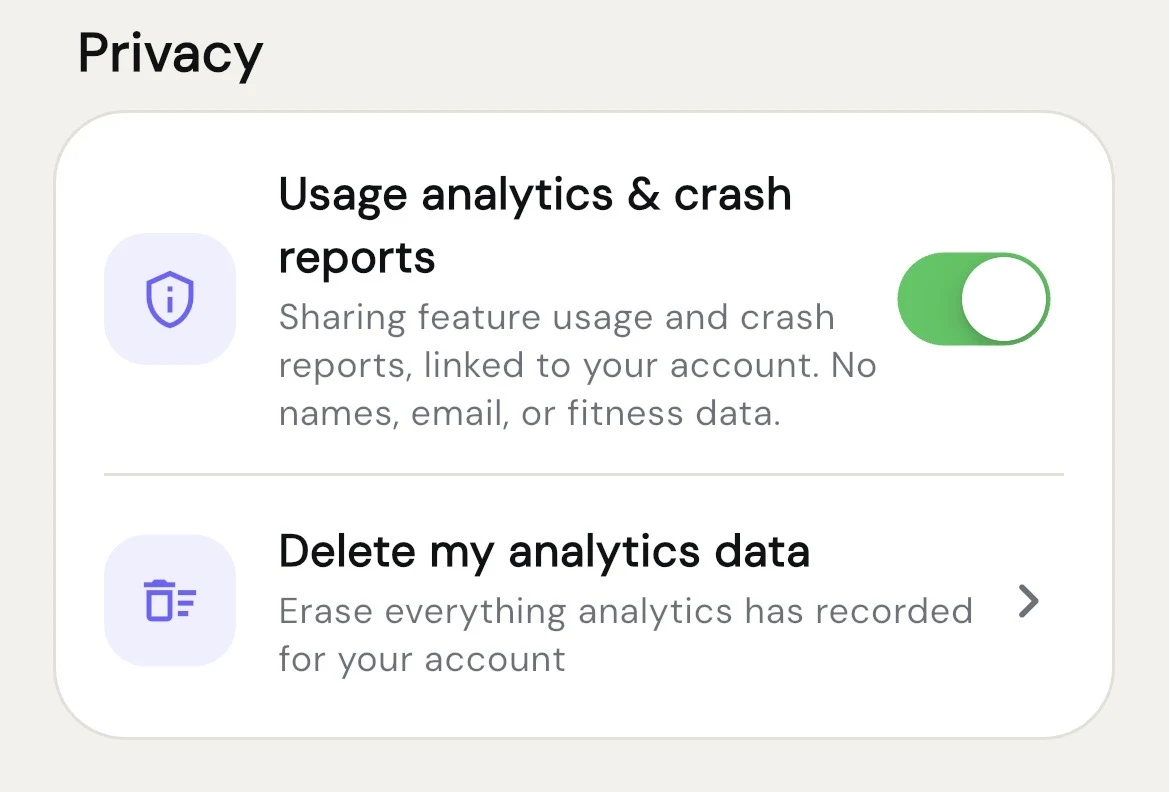
You decide what analytics you share.

Usage analytics are optional. The app explains what is included and lets you erase analytics tied to your account.

Trainerrr privacy settings with an analytics toggle and a control to delete analytics data

Trainerrr at a glance

The whole fitness routine, in one place.

Plan the week, stay focused through every set, keep meals on target, and look back on the work that moved you forward.

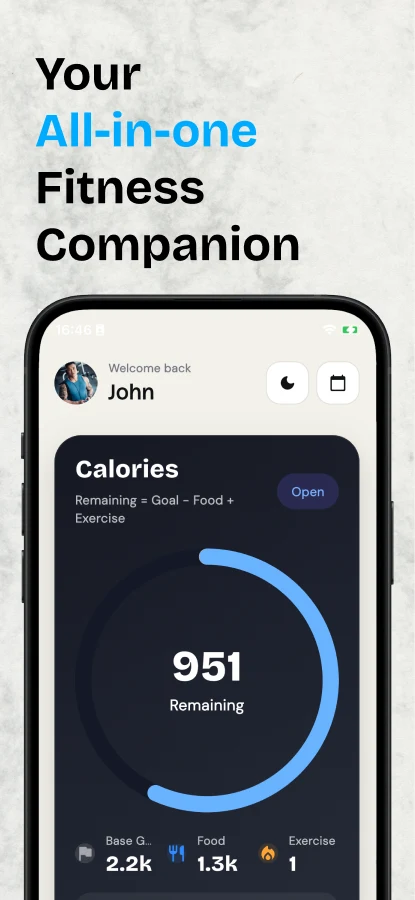
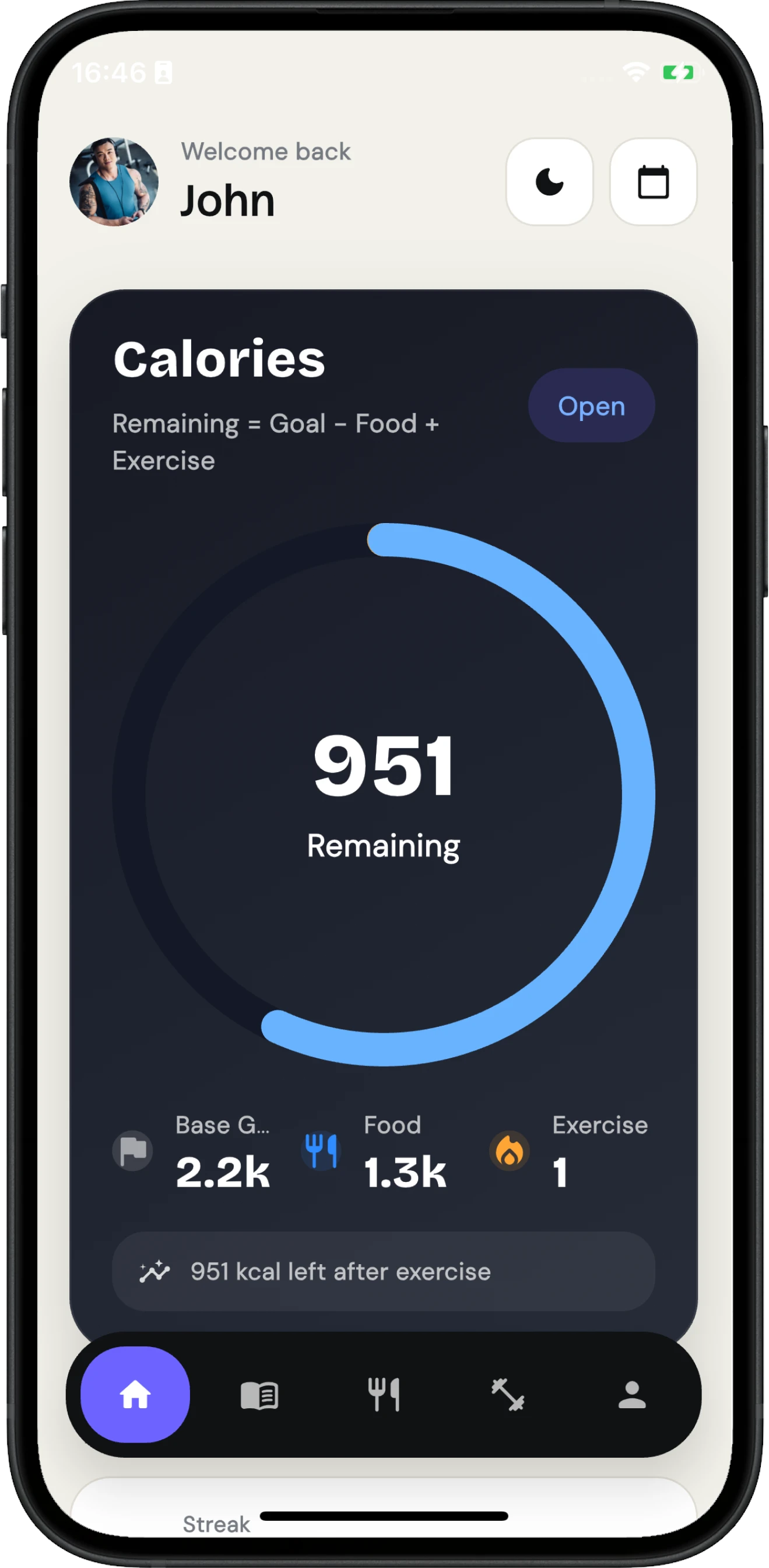
Your all-in-one fitness companion, shown with the Trainerrr calorie dashboard
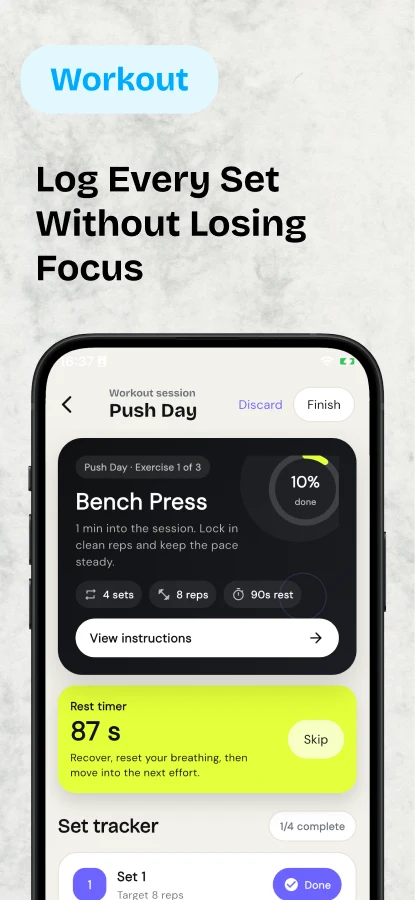
Workout: log every set without losing focus, shown with an active Push Day session
Plans: build workout plans around your goals, shown with weekly activity and workout targets
Nutrition: track meals and stay on target, shown with daily calories and macros
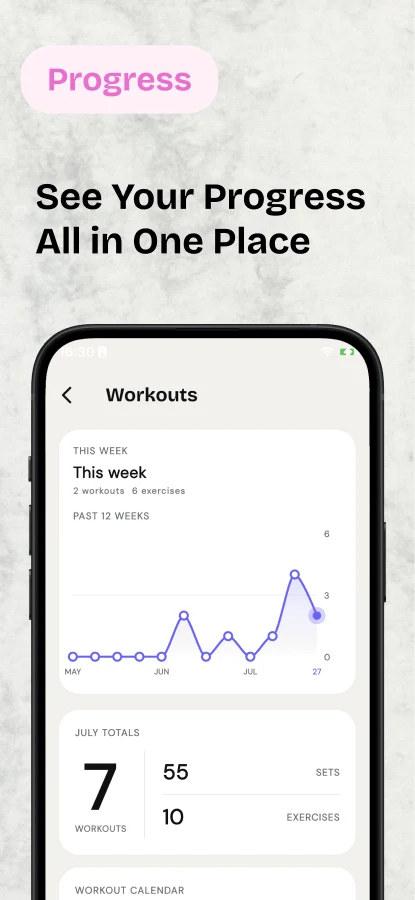
Progress: see your progress all in one place, shown with workout trends and monthly totals
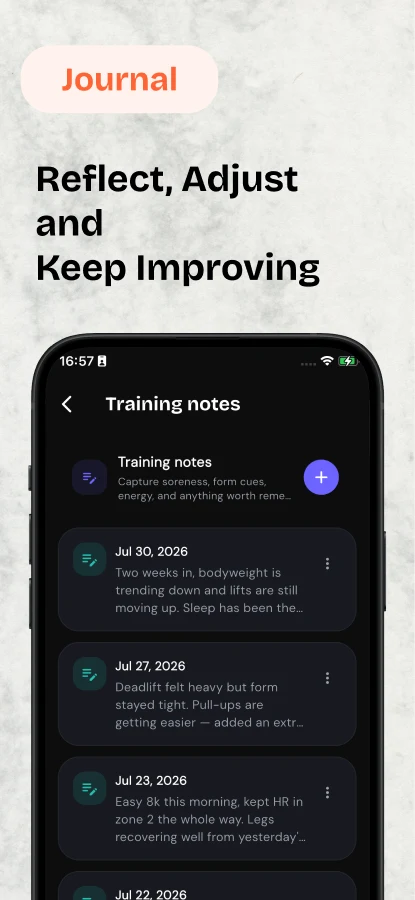
Journal: reflect, adjust, and keep improving, shown with recent training notes

1 of 6 · Swipe, scroll, or use the arrows

A repeatable training week

Keep the plan and the workout log together.

Set up the week before you train, follow it in the gym, then review what you completed.

01

BEFORE

Build the week

Choose your days, exercises, sets, reps, and rest. The plan is ready when you walk in.

See workout planning
02

DURING

Keep your pace

Log the set, start the rest timer, and move on without rebuilding the session mid-workout.

See active workouts
03

AFTER

Read the week

Review recent sessions, training time, targets, notes, and check-ins without manual totals.

See progress tracking
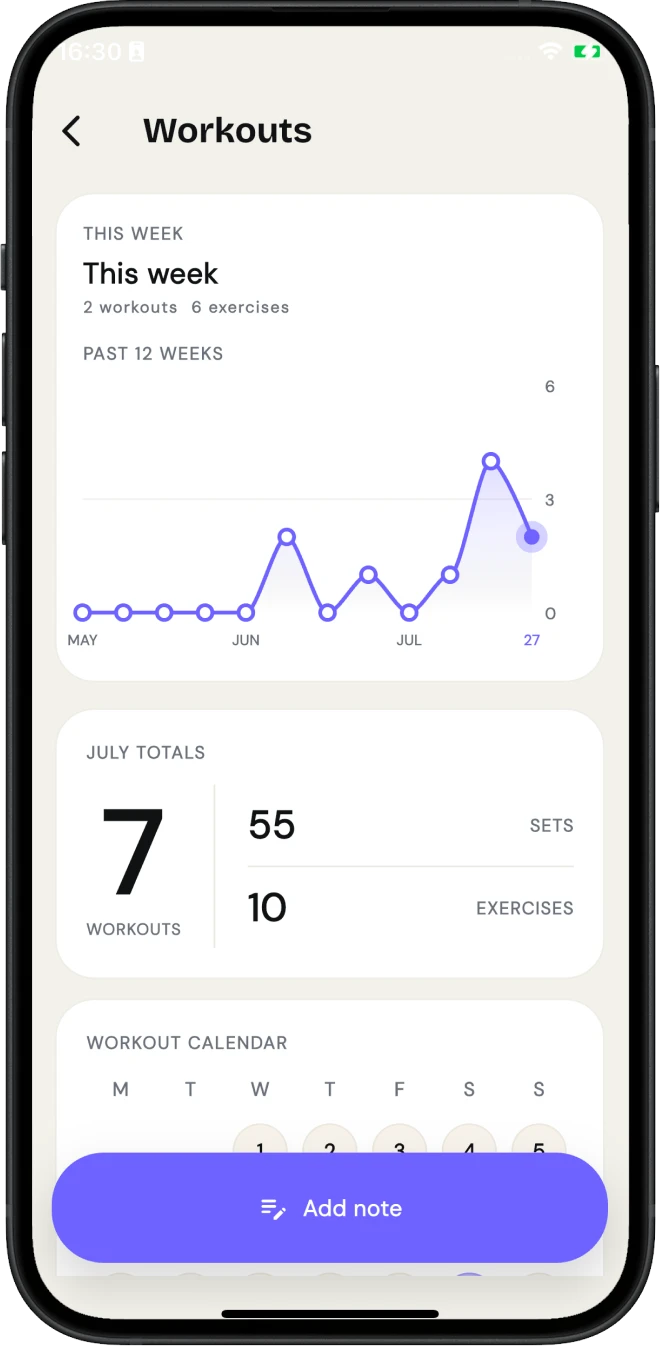
Trainerrr workout progress screen showing workout trends and monthly totals
7 workouts
55 sets

After the workout

See the work add up over time.

Review workout trends, monthly totals, and your training calendar without rebuilding the numbers yourself.

  • Follow workout frequency across recent weeks.
  • See workouts, sets, and exercises together.
  • Add context with notes from the same screen.
Explore all features

How your data is used

Health access is optional. Trainerrr has no ads and does not sell your data.

Choose the health categories you want to connect. Disconnect a device without erasing imported history, or remove health-sourced records separately.

No ads
Your attention is never the product.
No data sales
Your fitness data is not sold.
Health is opt-in
Choose individual categories on each device.
You stay in control
Delete your account from inside the app.

Android / closed testing

Using Android? Get one email when the public release is ready.

We will use your request only for the Android launch notice. We have not promised a release date, and the request does not subscribe you to a newsletter.

Request the Android launch email

NEXT SESSION

Walk in knowing what comes next.

Build the plan, follow every set, and keep the week readable.

Download Trainerrr for iPhone